8WWW Deposit Guide: Steps to Add Balance via Four Payment Methods
By the time you finish reading this page, you will be able to deposit into your account on your own. Which method to use, what the minimum amount is, how many minutes it takes for the balance to appear, and exactly what to do if money is deducted but the balance does not update — everything is explained step by step below.
18+ · Responsible Gaming
Check These Three Things Before You Start
A deposit is not just about sending money. Opening a request in the cashier, sending money from your wallet, and submitting the transaction ID — all three steps must be completed for the balance to be added. If any one step is missed, the money leaves your wallet but never reaches your account. So first, make sure the name on your 8WWW account and the name registered to your mobile wallet belong to the same person.
Our minimum deposit is ৳150, and in most cases the balance is credited within 6 minutes. Before sending money, always use the number shown on the cashier page at that moment. Sending to an old screenshot number or a friend's number is risky — the money goes to someone else's account and is very difficult to recover.
- bKash Deposit in 6 minutes, withdrawal in 35 minutes
- Nagad Deposit in 6 minutes, withdrawal in 35 minutes
- Rocket Deposit in 6 minutes, withdrawal in 35 minutes
- Bank Transfer Deposit in 6 minutes, withdrawal in 35 minutes
The minimum deposit is ৳150 across all four methods. The minimum withdrawal amount is ৳600, and you can withdraw up to ৳195,000 per day.
How to Add Balance via bKash
bKash is the most widely used payment method in Bangladesh, and the steps are just as straightforward as any other wallet. Follow the five steps below and it should work on the very first try.
-
Log In and Open the Deposit Section
After logging in, tap the Wallet or Deposit button to open the cashier page. Here you can see your current balance, any active bonus, and all available payment options in one place.
-
Select bKash and Enter the Amount
Choose bKash from the list, then enter ৳150 or more. Copy the deposit number shown on screen — you will need to send money to exactly that number in the next step.
-
Send Money from Your Wallet
Open the bKash app, go to Send Money, paste the number you copied, and send exactly the amount shown in the cashier. Writing your username in the reference field makes it easier to match the transaction later.
-
Enter the Transaction ID
After sending, copy the TrxID from the bKash message or transaction history. Go back to the cashier, paste it into the transaction ID field, confirm the amount, and tap Submit.
-
Check Your Updated Balance
After submitting, the balance is usually added within 6 minutes. Refresh the page to see the new balance — if a bonus is active, it will appear on a separate line as well.
A common mistake first-timers make is in the second step: sending money to a previous number instead of the one shown in the cashier. Always get the deposit number directly from the cashier page each time, as it may change with every new request. It is also a good habit to take a screenshot when sending money — if anything goes wrong, that screenshot will be the most useful thing you have.
What Is Different with Nagad, Rocket, and Bank Transfer
The process is almost the same for all three mobile wallets. The only differences are within each app's own steps, and for bank transfer, how you enter the reference number. The table below gives you a quick side-by-side comparison of all four methods.
| Method | Minimum deposit | Typical Processing Time | Details to Cross-Check |
|---|---|---|---|
| bKash | ৳150 | 6 minutes | Sender's name and number |
| Nagad | ৳150 | 6 minutes | Sender's number and TrxID |
| Rocket | ৳150 | 6 minutes | Full account number |
| Bank Transfer | ৳150 | 6 minutes | Reference and branch name |
After sending money via Nagad, copy the transaction ID from the SMS and paste it into the cashier. For Rocket, the account number has an extra digit at the end, so always copy the full number — not just part of it. For bank transfer, send the money through your bank's app or branch, and write your 8WWW username in the reference field so the support team can match your payment quickly.
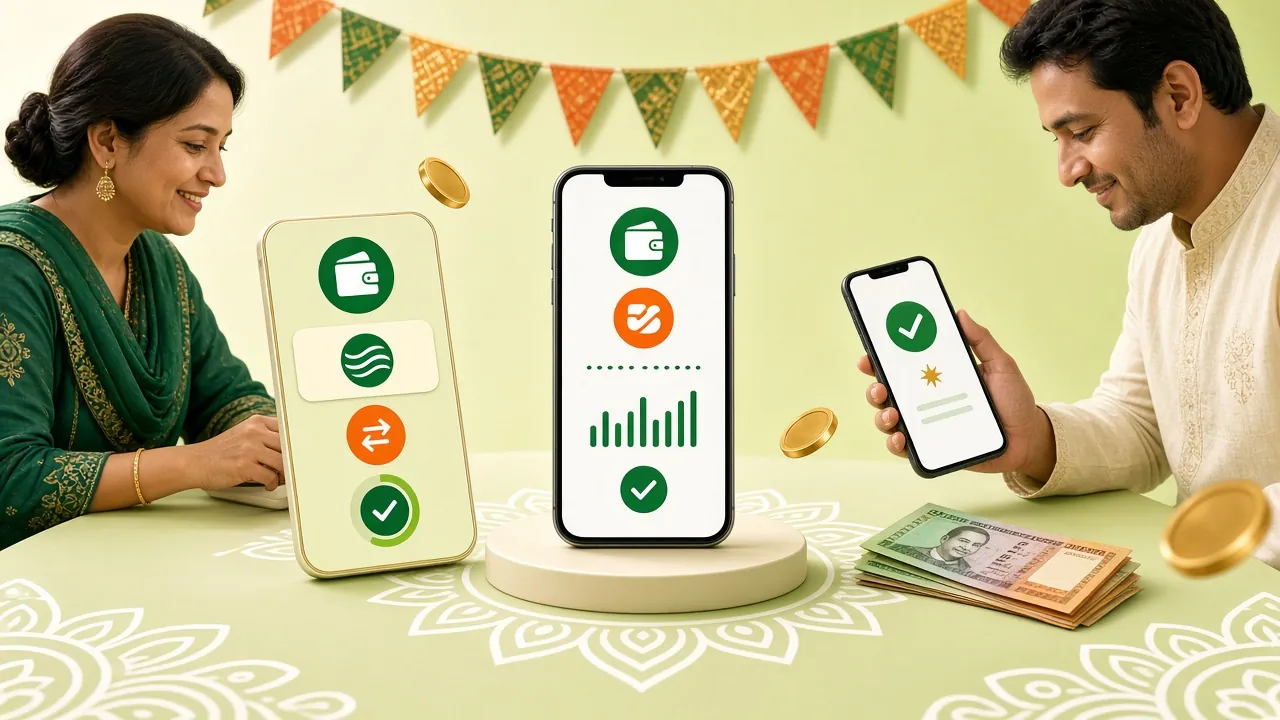
How long does an 8WWW deposit take to reach your account
Under normal conditions, deposits are processed within 6 minutes — this applies to all four payment methods. If your balance hasn't updated after submitting through the cashier, wait at least 6 minutes before doing anything. Then refresh the page, as your balance may have already been added but the notification just hasn't come through yet.
If your balance still hasn't appeared, check your wallet history to see whether the money was actually deducted. If it was, compare the transaction ID you entered in the cashier. If nothing was deducted, the request didn't go through — you can try again from the beginning. Do not submit the same request twice at the same time, as duplicate claims will be flagged and take longer to verify.
Keep the withdrawal side in mind too — using the same account for both deposits and withdrawals makes it easier to track. The minimum withdrawal is ৳600, processing takes around 35 minutes, and the daily maximum is ৳195,000. Full step-by-step instructions are in the Withdrawal Guide.
Money deducted but balance not credited: common reasons why this happens
This issue usually comes down to a small detail error — the money doesn't disappear. Check whether your situation matches any of the four reasons below, then follow the action listed next to it.
| Cause | What to do |
|---|---|
| Transaction ID entered incorrectly or incomplete | Go to your wallet history, copy the full TrxID, and resubmit |
| Money sent to the wrong number | Recovering that payment is difficult — contact 24/7 live chat with the time and amount to start an investigation |
| Page closed or session expired mid-process | Check if the money was deducted from your wallet, then contact the support team with the transaction ID |
| Same transaction ID already used before | Cancel the old request and submit the correct ID from a new transaction |
The fastest way to get help is through 24/7 live chat. When you message them, include four things upfront: the amount, the time of the transaction, the number you sent from, and the transaction ID. Attach a screenshot if you have one. Sharing all this at once means the support team can review everything in a single go — no back-and-forth waiting.
Where to check your deposit records
Every transaction is recorded inside your account, so there's no need to keep notes separately. If you want to track your spending at the end of the month, three places are all you need to check.
- Cashier History: See which payment method was used, how much was deposited, and which transactions are still being processed — all in one list.
- Bonus Line: Any bonus added to your deposit and its wagering progress are shown on a separate line, so you can easily tell whether the conditions have been met.
- Wallet Statement: Open your bKash, Nagad, or Rocket app to confirm whether the money was actually deducted and exactly when it was taken out.
One small habit before depositing makes a big difference: make sure the amount you're sending matches exactly what you've entered in the cashier. Sending ৳150 when you've written ৳150 is fine — but sending even slightly more or less will cause the request to get stuck.
A quick calculation before depositing with a bonus
The first deposit bonus is 185%, up to a maximum of ৳18,000. There are two conditions — a minimum deposit of ৳150 is required, and you'll need to complete 7x wagering before withdrawing the bonus amount. Wagering means placing bets worth seven times the bonus value; if you try to withdraw before meeting this condition, the bonus may be cancelled.
For regular players, the 25% reload bonus and 1.6% daily cashback are more practical since you can claim them repeatedly. Before sending money, always check the terms and expiry date of whichever bonus you're taking — this information is listed on the bonus page. The full list of bonuses is available on the 8WWW Bonus & VIP page.
ID submission rules before your first withdrawal
Identity verification is required before your first withdrawal to confirm that the account holder and the person receiving the funds are the same individual. Keep one of the following ready: your National ID (NID), passport, or driving licence — any one of these is accepted.
Once your documents are submitted, verification is completed within 6 hours, and your first withdrawal is typically processed within 1 hour. When taking a photo of your document, make sure all four corners are visible and that your name and date of birth are clearly readable. Blurry or cropped images will be rejected and you'll need to resubmit, which can cost you several hours.
The mobile number or bank account where you want to receive funds must be registered in your own name. Attempting to withdraw to a third party's account may result in a restriction being placed on your account, which you'll then need to contact the support team to resolve. These rules apply to players aged 18 and above, and responsible gaming guidelines should always be followed.
Why deposit from your phone
Many players prefer depositing through the app rather than a browser, as the cashier opens with a single tap and the transaction ID copy button is always within reach. Our app is 36 MB in size, runs on Android 7.0 or later, and is free to download.
After installing the app, log in for the first time and you can top up your balance the same way using the Wallet tab. If you change phones, log in to your existing account — do not register a new one. Full download steps and settings are explained in detail on the 8WWW App page.